The Input Device
Connect adaptive switches to digital devices
The Switch Kit Input Device allows adaptive switches to control a smartphone, tablet, or computer.
At the center of the Input Device is a Makey Makey physical computing board. We adapted the Makey Makey by placing it inside a protective enclosure and replacing its alligator-clip connections with standard 3.5 mm mono audio jacks. This makes it easier to connect adaptive switches and more durable for everyday use.
What is a Makey Makey?
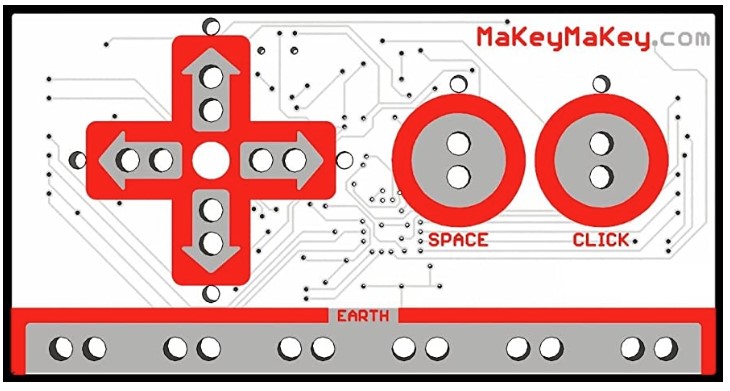
The Makey Makey is a commercially available physical computing board designed for educational environments. When connected to a digital device through USB, it functions like a keyboard, allowing physical inputs to control digital activities.
The six default inputs on the front of the board correspond to:
| Port | Keyboard Input | Example Use |
|---|---|---|
| ↑ | Up Arrow | Move up |
| ↓ | Down Arrow | Move down |
| ← | Left Arrow | Move left |
| → | Right Arrow | Move right |
| Space | Spacebar | Select / activate |
| Click | Right Mouse Click | Mouse interaction |
The finished Input Device
The Makey Makey board and its wiring are housed inside a protective electronics enclosure. Six panel-mounted audio jacks connect to the six default inputs on the Makey Makey.
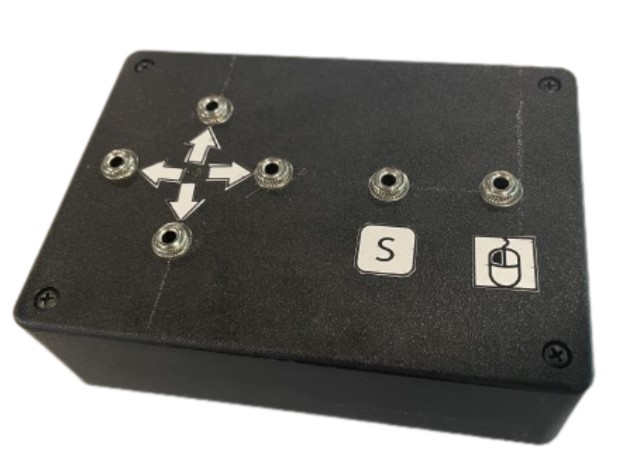
Once connected, users can plug compatible adaptive switches into the labeled ports and use them to control digital activities.
Build your own Input Device
Want to make your own? The Switch Kit Input Device can be fabricated using commercially available components and basic electronics tools.
What materials you’ll need
- Makey Makey circuit board][url]
- Protective electronics enclosure [example enclosure: Polycase LP-55P]
- 3.5 mm mounted mono female audio jacks [example audio jack]
- 22-24 Stranded AWG wire in 2 colors
- #8 (M4) ring terminals
- Nylon standoffs, 4-40 thread
- M3 6 mm machine steel screws
- M3 female nylon standoffs x 1/2” length
- Double-sided mounting tape
- Electrical tape
What tools you’ll need
- Soldering equipment
- Wire strippers
- Wire crimpers
- Wire cutters
- Drill, files, and/or other tool for modifying enclosure
- Hex keys (2.5 mm, 3 mm)
Time and skill level
Building an Input Device typically takes 1–2 hours and requires moderate technical skills, including:
- Soldering
- Wire crimping
- Basic drilling
If you are new to electronics fabrication, consider working with someone who has experience with these tools or accessing a makerspace or technical support.
Alternative access to full input device PDF.
Enclosure Templates
We used a Polycase LP-55P electronics enclosure for the Input Device.
If you are using this enclosure, download our templates for creating the mounting and connection openings using a drill or laser cutter.
Download the Electronics Enclosure Templates →
Learn the Skills
New to electronics fabrication? These resources can help you learn the skills needed to build your Input Device.
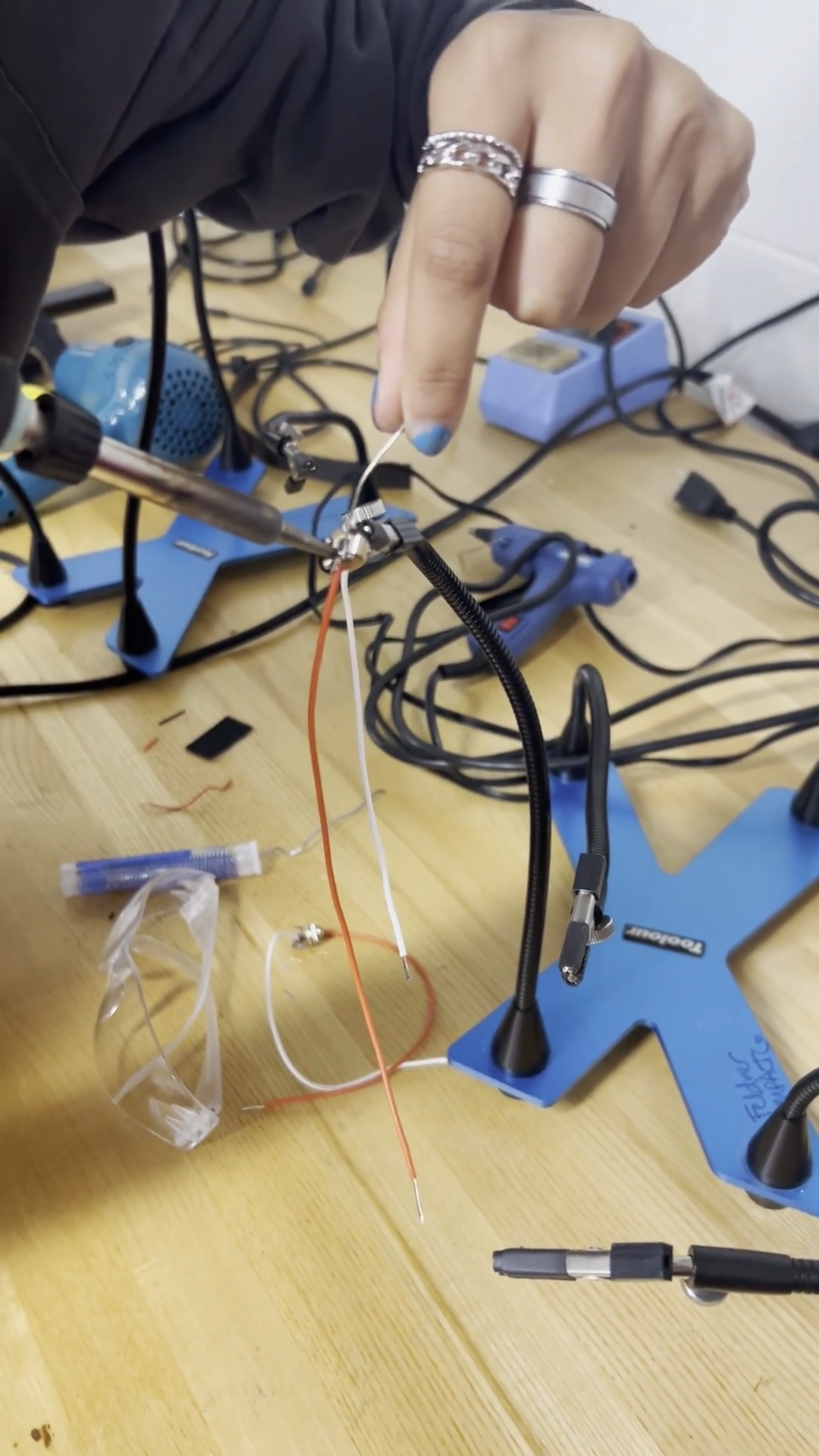
Soldering
Learn basic soldering techniques and safe soldering practices.
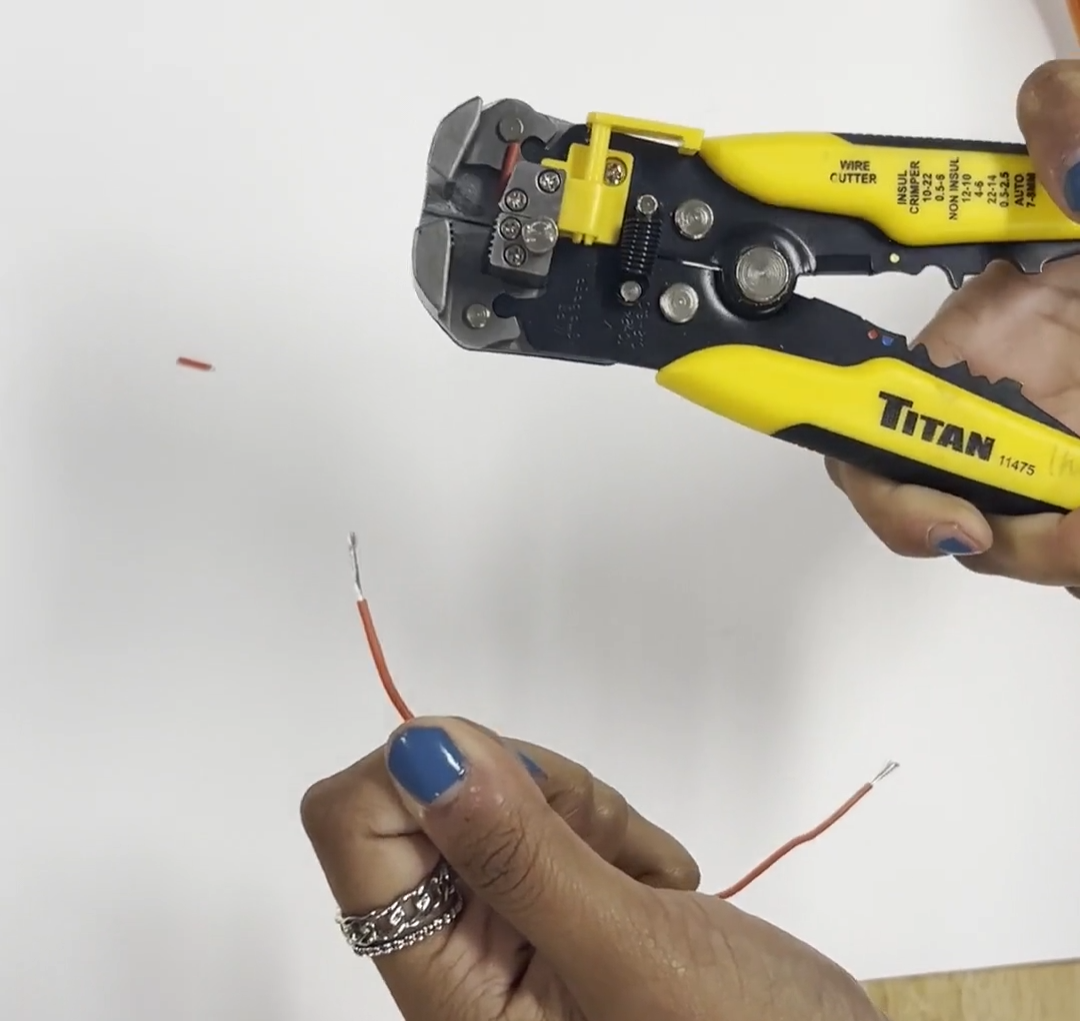
Wire stripping & crimping
Learn how to prepare and connect wires for your Input Device.
Drilling
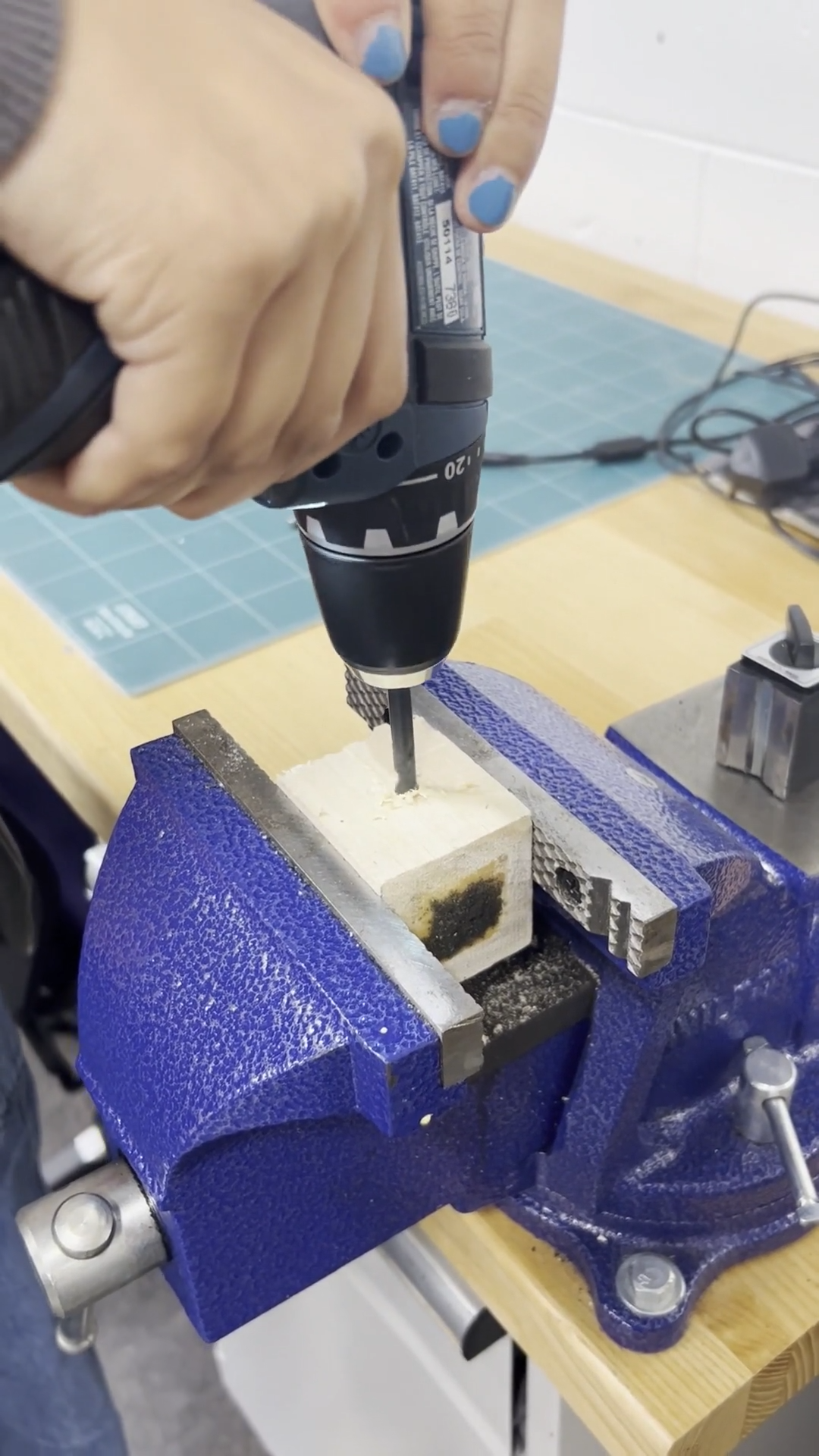
Learn safe drilling techniques for modifying the electronics enclosure.
Ready to Set up?
Once your Input Device is assembled, connect a switch and your digital device to start playing. Set Up Your Switch Kit →